

Unattended retail often looks effortless from the customer side: choose, pay, collect and continue. Behind that short interaction sits a chain of equipment, payment services, connectivity, stock records and field routines. The most useful operating technology is not the most complicated option. It is the system that helps an operator notice a meaningful exception and take the right action quickly.
Put connectivity into the launch checklist
A connection problem can interrupt payment, remote alerts and inventory visibility. At an unattended location there may be no employee beside the unit to reassure a shopper. Treat network health as a normal launch item alongside power, cleaning, product loading and signage. Each location should have a short record that identifies equipment, payment path, support contacts and the first checks to make.
Test a realistic interruption
Before opening, test what the customer sees when payment is unavailable and what the operator receives as an alert. Record the device identifier, the time of the last successful transaction and the steps that technical support will need. A small rehearsal is inexpensive, but it prevents an actual incident from becoming a sequence of uncertain resets and incomplete information.
Use an exception list, not a wall of data
Most operators do not need to monitor every number all day. They need a short list of exceptions: repeated payment failures, a device offline beyond an agreed period, unexpected sales changes, stock-out risks or temperature alerts where relevant. Assign an owner and a response expectation to each type. That turns monitoring into a practical part of operations.

Collect facts before resetting equipment
When a site has a problem, confirm the basics first. Is power present? Is the screen responsive? Is payment affected or is the whole unit offline? When did the last sale occur? Take a clear photo and record the time. These details allow support teams to look for patterns and protect the operator from repeating an action that could obscure the original cause.
Keep incident notes brief but useful
After a resolution, write one short entry describing the cause, the fix and any preventive action. Three similar notes about a weak signal at one location justify a different response from a single unexplained error. Good notes turn experience into evidence and make it easier to decide whether a follow-up is technical, commercial or related to the venue itself.
Make remote access a controlled privilege
Give remote access only to people who need it, use individual accounts where the platform supports them and remove access when responsibilities change. Protect local networking hardware as well as digital credentials. These routine practices are part of the trust that makes unattended retail possible. Customers expect payments to work and venue partners expect equipment to be managed responsibly.
Use field routes to prevent problems
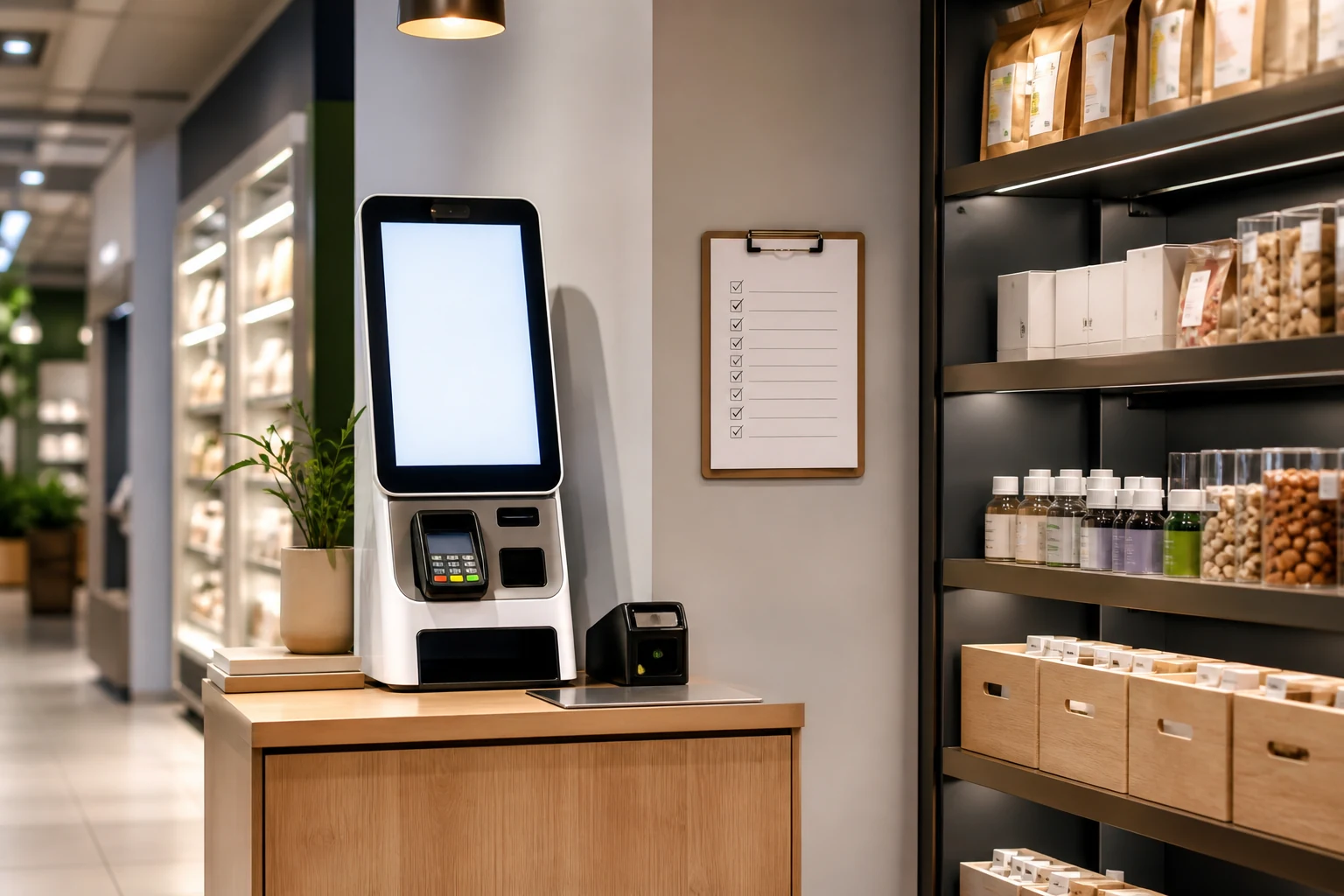
A service visit can include cleaning, replenishment, a test transaction, screen inspection and a quick review of open alerts. Grouping these checks reduces unnecessary trips and catches small problems before they become customer complaints. The route should reflect actual site conditions rather than an idealized schedule that breaks down during busy periods.
Separate technical and commercial signals
A site with steady sales and repeated short outages may need a connectivity review. A site with weak sales and no alerts may need better placement, stronger samples or a different product mix. Separating these explanations saves time and keeps technical teams focused on genuine faults. It also leads to more honest discussions with a venue about the performance of a location.
Use current retail reporting carefully
Le NRF retail technology outlook highlights the importance of connected systems and faster decisions. That does not mean every operator needs another dashboard. It means data should shorten the path from an exception to a useful field action, while human judgment remains responsible for the final decision.
Connect the lesson to product operations
Interactive formats such as a phone case vending machine still depend on reliable daily fundamentals. Review the customer flow, clarify alert ownership and maintain a clean service record. Technology is most helpful when it supports those ordinary habits rather than creating work that an operator cannot sustain.
A weekly review can ask three useful questions: which alert led to a meaningful action, which visit prevented a complaint and which recurring issue needs a venue or vendor conversation. Small improvements, applied consistently, make unattended sites easier to trust and easier to scale.
Design alerts for a real person
An alert has value only when the recipient can understand what it means and what to do next. Use names and categories that match the field routine, avoid sending the same warning repeatedly without a change in severity, and make escalation contacts easy to find. This reduces alert fatigue and helps a small team respond with confidence during busy hours.
Verify the payment path regularly
Payment reliability deserves periodic testing even when sales appear normal. A short controlled check can confirm that the terminal, network and customer message are all working together. Record the result with the site visit. That record is valuable when a venue asks whether an interruption was isolated or part of an emerging pattern.
Respect the physical environment
Connectivity and software are only part of site reliability. Check cable protection, ventilation, screen visibility, access for cleaning and the space around the collection point. A poorly positioned unit can create preventable service issues even when the technology itself is sound. Good operations consider the physical setting and the digital setting at the same time.
Use vendors with clear evidence
When escalating a fault, provide the time, device identifier, symptom, photo and relevant transaction context. A complete report reduces back-and-forth and gives the vendor enough evidence to recommend a useful next step. It also creates a record that supports future decisions about maintenance, placement and support arrangements.
Keep the site record current
Update the location record whenever equipment, contacts, payment arrangements or site access changes. A current record saves time during an incident and allows another team member to provide useful help without searching through older messages. It is a simple control that supports reliable service.
Review downtime honestly
When downtime occurs, estimate the customer effect and record whether a warning was visible. This helps the operator prioritize the fixes that genuinely reduce disruption. The purpose is not to blame a person or a system. It is to understand the chain of conditions and improve the next response.
Set expectations with the venue
Share the service window, support contact and escalation process with the venue before problems occur. A manager who knows what will happen after an alert can help protect the customer experience. Clear expectations reduce unnecessary calls and make genuine urgent issues easier to recognize.